One catalogue for everything you stock: material code and barcode, description, type, group and category, all your units of measure, cost and sales price, tax group and valuation method, reorder minimum and maximum, packaging, dimensions, shelf life and lead time. Define an item once and every receipt, issue, lot and report refers back to it. Cloud or on-premise, for businesses of every kind.
Every item you hold earns one record — codes, units, tax, valuation, reorder levels, packaging and specs — before a single receipt or issue is booked against it. New to the category? Start with our guide, what is inventory management software.
The item master is where a material comes into being. Each item gets a material code and barcode, a description, and its classification — type, group and category — plus manufacturer and catalogue number where you need them. From that moment the item exists in exactly one place. Goods receipts, issues, transfers, lot detail and every report point back to this record rather than re-typing the item, so there is never a second, slightly-different version of the same material floating around a spreadsheet.
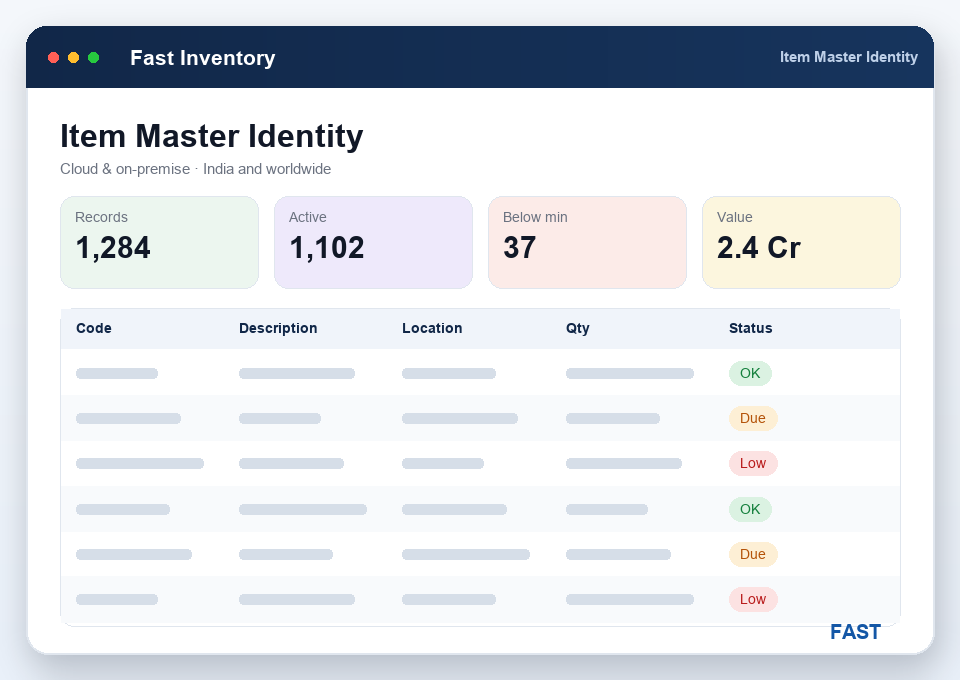
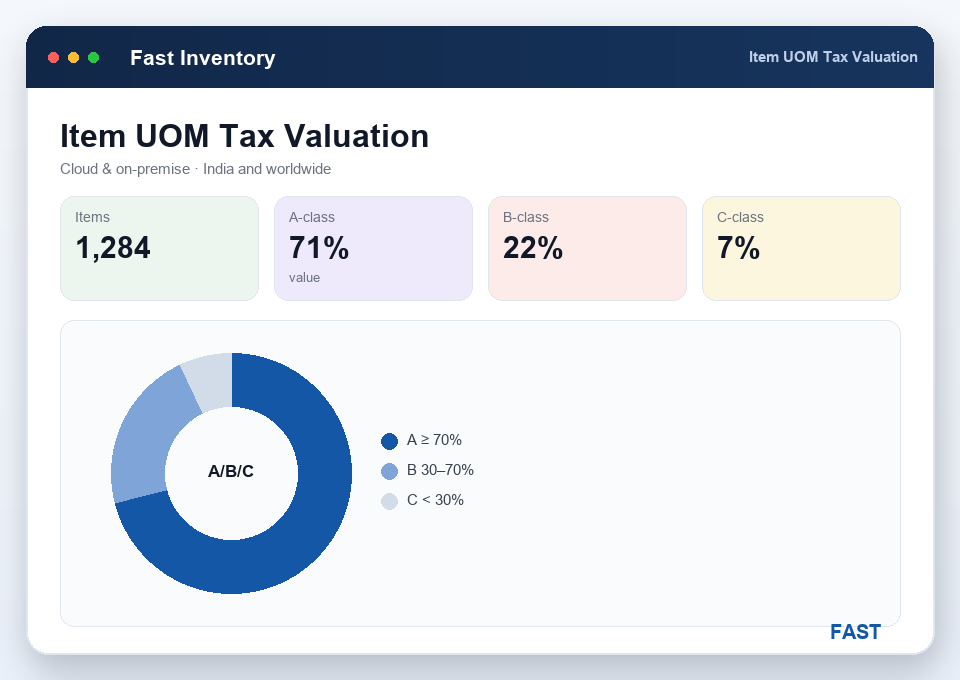
Real stock rarely lives in a single unit. Each item carries its inventory UOM, sales UOM, purchase UOM and packaging UOM, with the conversion between them — so you can buy a drum, stock in litres and sell in bottles, and Fast Inventory does the maths. Alongside sit cost price, sales price, a tax group and a valuation method, so on-hand stock is always valued consistently and the number you show finance is built from the same master your store team uses every day.
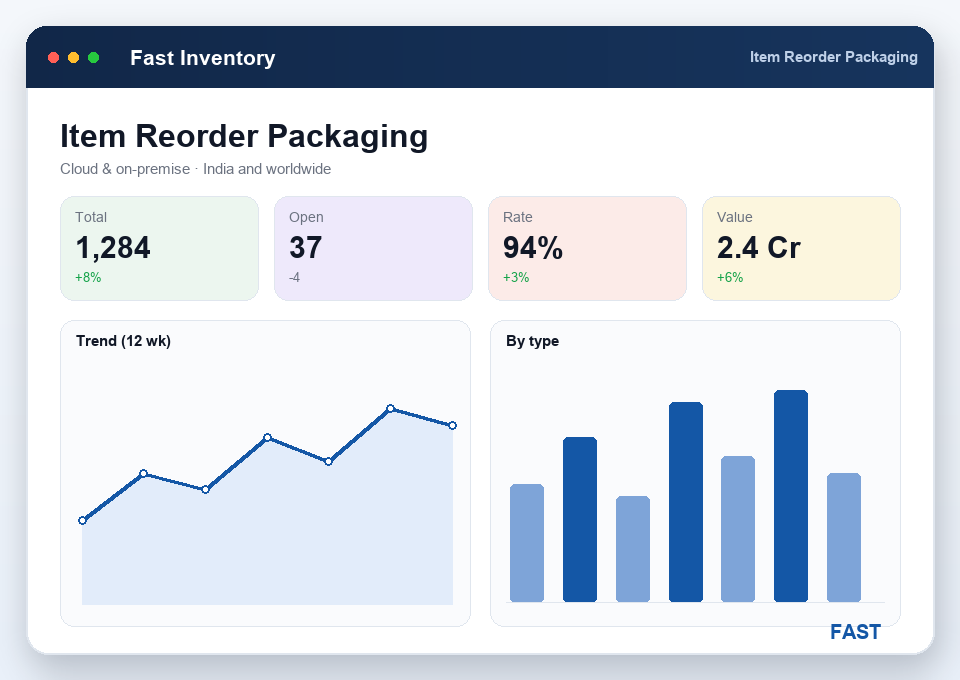
Set a minimum level (the reorder point) and a maximum level on each item, and replenishment stops depending on memory: when on-hand falls to or below the minimum, the item surfaces for purchasing, while the maximum keeps you from over-buying. The same record holds the physical detail too — pieces per packaging unit, length, width, height, volume and weight, plus minimum shelf life, minimum order quantity, order multiple and lead time — so planning and storage decisions come off the item, not off guesswork.
Some items need more than a code. Item categories and a dynamic specification grid let you record the attributes that matter — grade, size, colour, tolerance, whatever your items carry — against the material itself. And building the master is quick: import your item list from Excel to populate it in one go, then import opening balances per item and per location so day-one stock and valuation are correct from the moment you go live. It's the same master whether you run Fast Inventory in the cloud or on-premise.
A unique material code and barcode for every item you stock — raw material, packaging, consumable or finished good — the backbone record.
Classify each item by type, group and category so listings, searches and reports roll up cleanly by the structure your business uses.
Inventory, sales, purchase and packaging UOMs with conversions, so you buy, stock and sell in the units that suit each stage.
Cost price, sales price, a tax group and a valuation method on each item, so on-hand stock is always valued consistently.
A minimum (reorder point) and a maximum on every item, so replenishment triggers itself and over-stocking is kept in check.
Packaging conversion, dimensions, shelf life and lead time, plus specifications, categories and an opening-balance import to seed day-one stock.
Most stock trouble starts with a messy item list — duplicate codes, unclear units and no reorder levels. Here is what a proper item master changes.
The item or material master is the catalogue of everything you stock — every item recorded once with its material code, barcode, description, type, group and category. Stock movements, lot and expiry detail, valuation and every report all hang off this one record, so an item is defined in exactly one place and every movement refers back to it instead of being re-typed.
Yes. Each item carries its inventory UOM, sales UOM, purchase UOM and packaging UOM, with the conversion between them, plus pieces per packaging unit. So you can buy in one unit, stock in another and sell in a third, and Fast Inventory converts between them automatically — no mental arithmetic at the store window and no unit mismatches in your valuation.
Every item can hold a minimum level (the reorder point) and a maximum level. When on-hand stock falls to or below the minimum, the item surfaces on the reorder dashboard so purchasing knows to replenish it, and the maximum keeps you from over-stocking. Set them per item once and reorder discipline runs itself instead of depending on someone remembering.
Each item carries a cost price, a sales price, a tax group and a valuation method, so on-hand stock is always valued consistently. Reports value your stock at cost or at the lot rate, item-wise and store-wise, which means the inventory figure you show finance is built from the same master data your store team works with every day. The tax group also feeds cleanly into Tally ERP / Prime.
Yes. You can import your item list from Excel to build the master quickly, and import opening balances per item and per location so day-one stock and reports are correct from the moment you go live, via API, EDI & Excel. Fast Inventory runs cloud or on-premise and suits manufacturers, distributors, traders, 3PL and warehousing businesses across India and worldwide.
Live demo on your own items — your codes, your units and tax, your reorder levels and your opening balances. No generic slideshow.
